
I had the following problem with Solaris 10 X86 in a VirtualBox container. I could not make a XDMCP session with xming to this Solaris 10 container.
After long searching I found that default Windows 7 Enterprise is blocking (firewall) this connection. To resolve this issues go to the Control Panel – Windows firewall – Advanched settings -> Inbound Rules. Find Xming X server and enable each profile.
Then everything is working fine.
On the Solaris 10 site the following steps must be executed to enable XDMCP
Solaris 10’s desktop environment is JDS which is based off of GNOME.
– Log in as root
– Open a terminal
– Type gdmsetup (a dialog box will appear)
– Click on the XDMCP tab
– Check the Enable XDMCP box
– Press Close
 Hi everybody. Today the 48.900th WarQuest player joined the game. That’s great. Hardware is scale for must higher values so invite more players and ofcourse keep on playing.

 Early this morning I released the first maintenance release of PlaatScrum.
 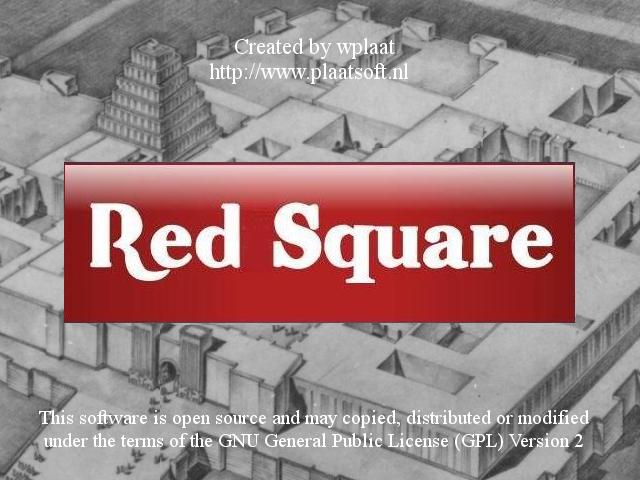 This evening i have ported the Windows RedSquare game to Linux. So please try it out. Comments are welcome!
 Yesterday i upgraded my VPS from 256MB to 512MB memory (1GB Burst) to have some more resources to handle traffic.
  PlaatSoft release today PlaatStats v1.1 for Windows.