– Check which version of java you are running.
java -version
– Download the OpenFx (same version as java) from https://gluonhq.com/products/javafx
– Install openFx software in following path
C:\Program Files\Java
– Added windows environment JAVA_FX with the following value
“C:\Program Files\Java\jdk-26.0.1”
– Run Java jar on commandline with OpenFx
java -jar –module-path %JAVA_FX% –add-modules javafx.base,javafx.controls,javafx.fxml,javafx.graphics,javafx.media,javafx.swing,javafx.web redsquare-1.0.0-all.jar
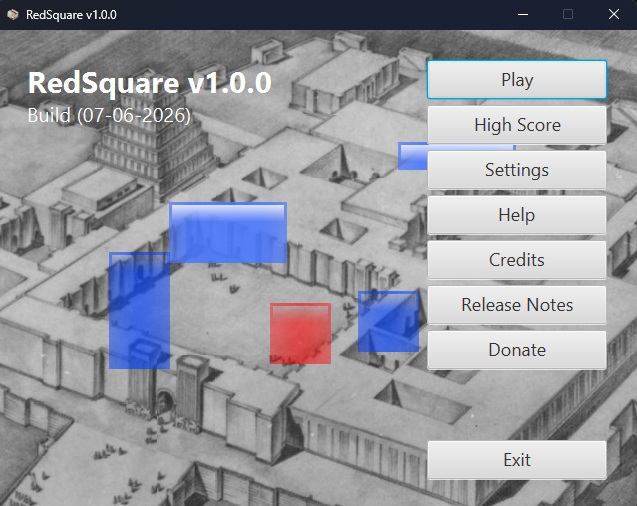
The magic works