
 PlaatBattery managed HomeWizard batteries and other HomeWizard IOT devices (water, energy, P1, etc..). It collects realtime information of all devices and process it. The data is presented on a state-of-the-art WebGUI
Key Features:
– Records every two minutes HomeWizard Battery, HomeWizard P1, HomeWizard Water and HomeWizard EnergySocket information
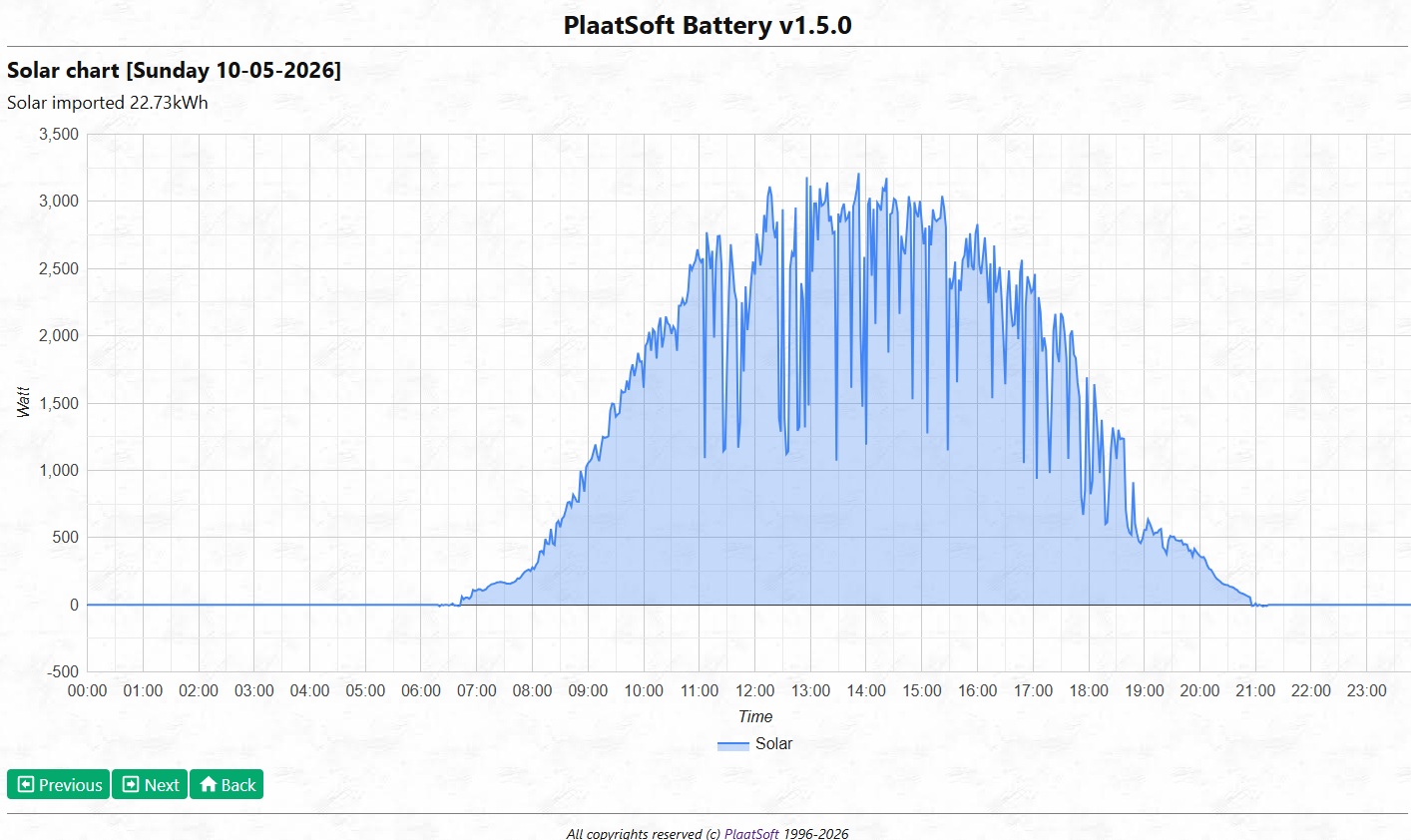
– Records every two minutes Solar production based on HomeWizard DIM kWh meter
– Fetch every hour dynamic energy prices
– Calculate (and control, if enabled) every hour most efficient battery mode (Zero, ToFull, Standbye)
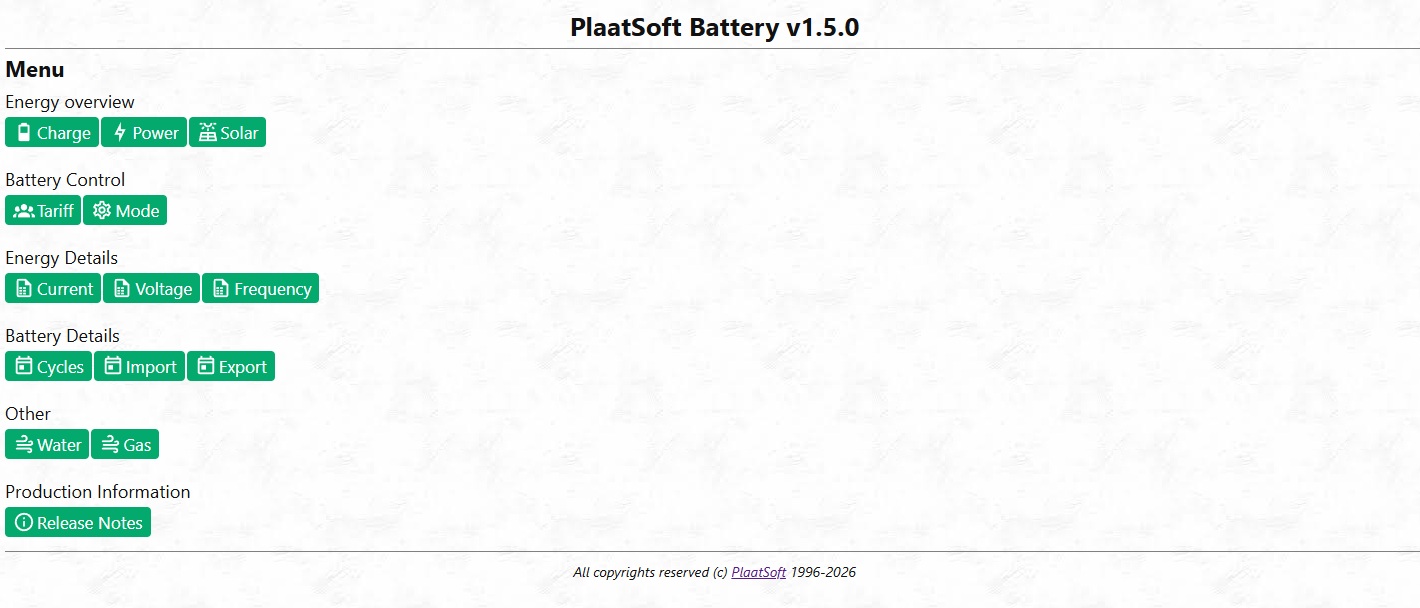
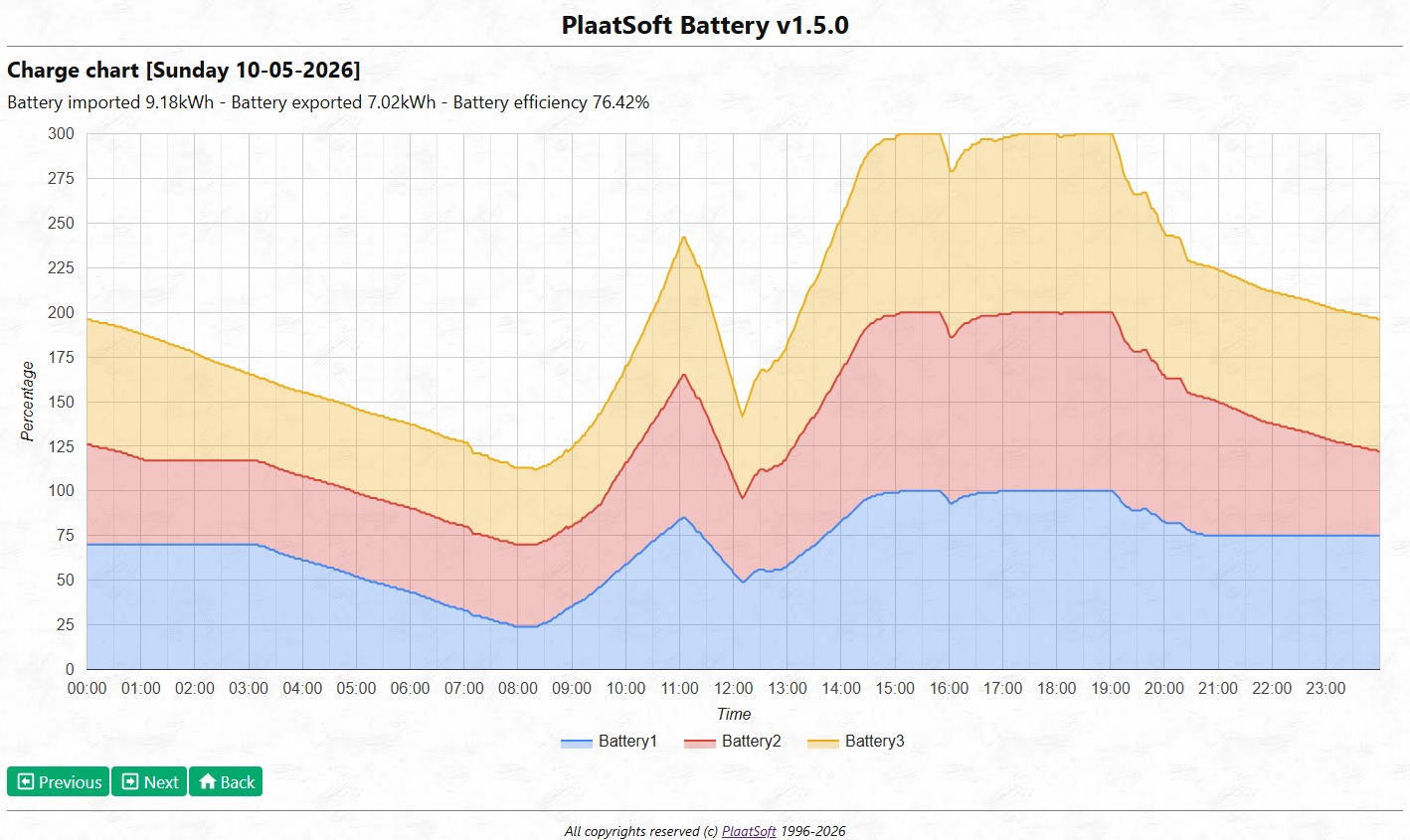
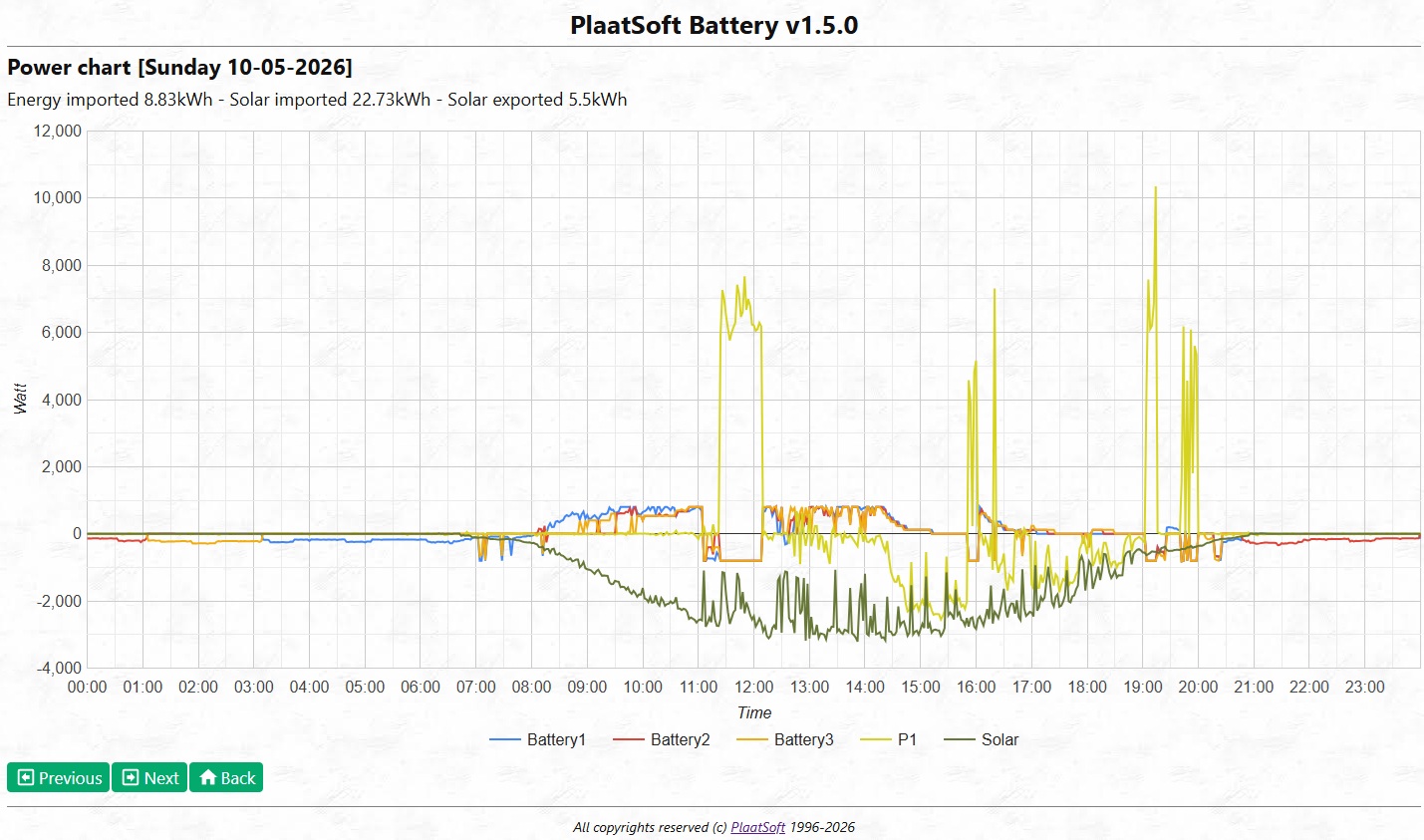
– WebGUI present information in lots of charts
– Data is stored in (apache fuseki) graph database
– and much more!
Needed sofware:
– PlaatBattery v1.5.0 or higher
– Apache Fuseki v6.1.0 of higher
– Operating System: Latest Debian (Lite) for Raspberry Pi
Needed hardware:
– Raspberry Pi (model 4B or 5)
– SDcard: 32GB or higher
– HomeWizard Battery and HomeWizard P1 dongle
– Optional: Solar installation
Screenshots
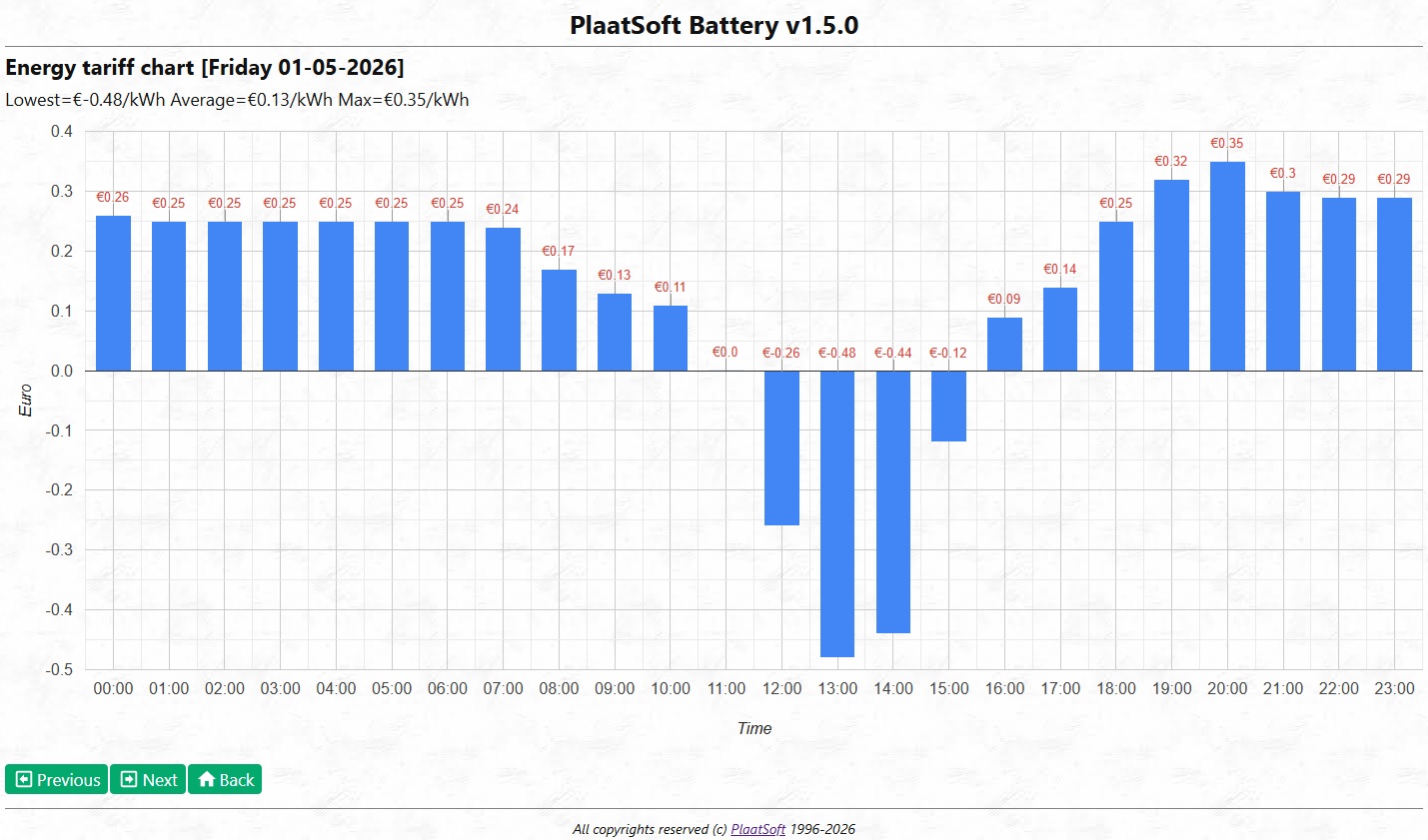
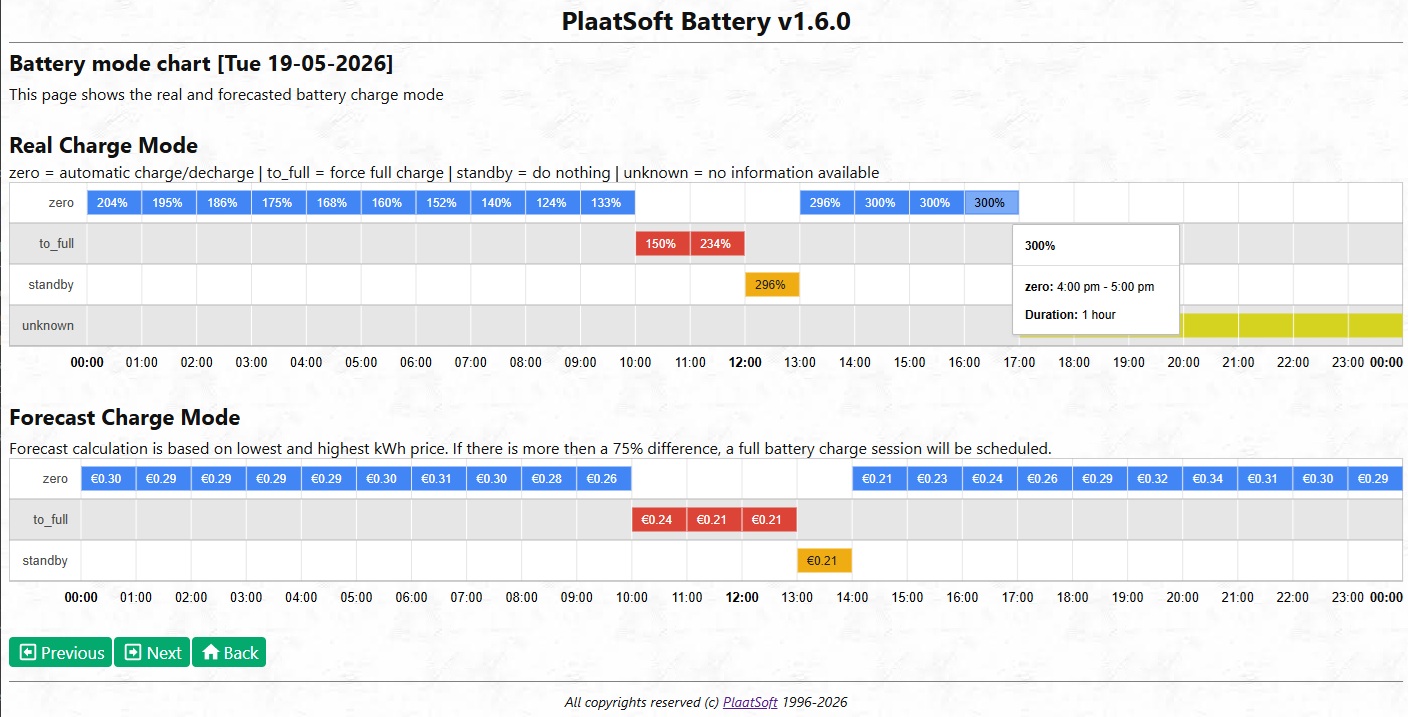
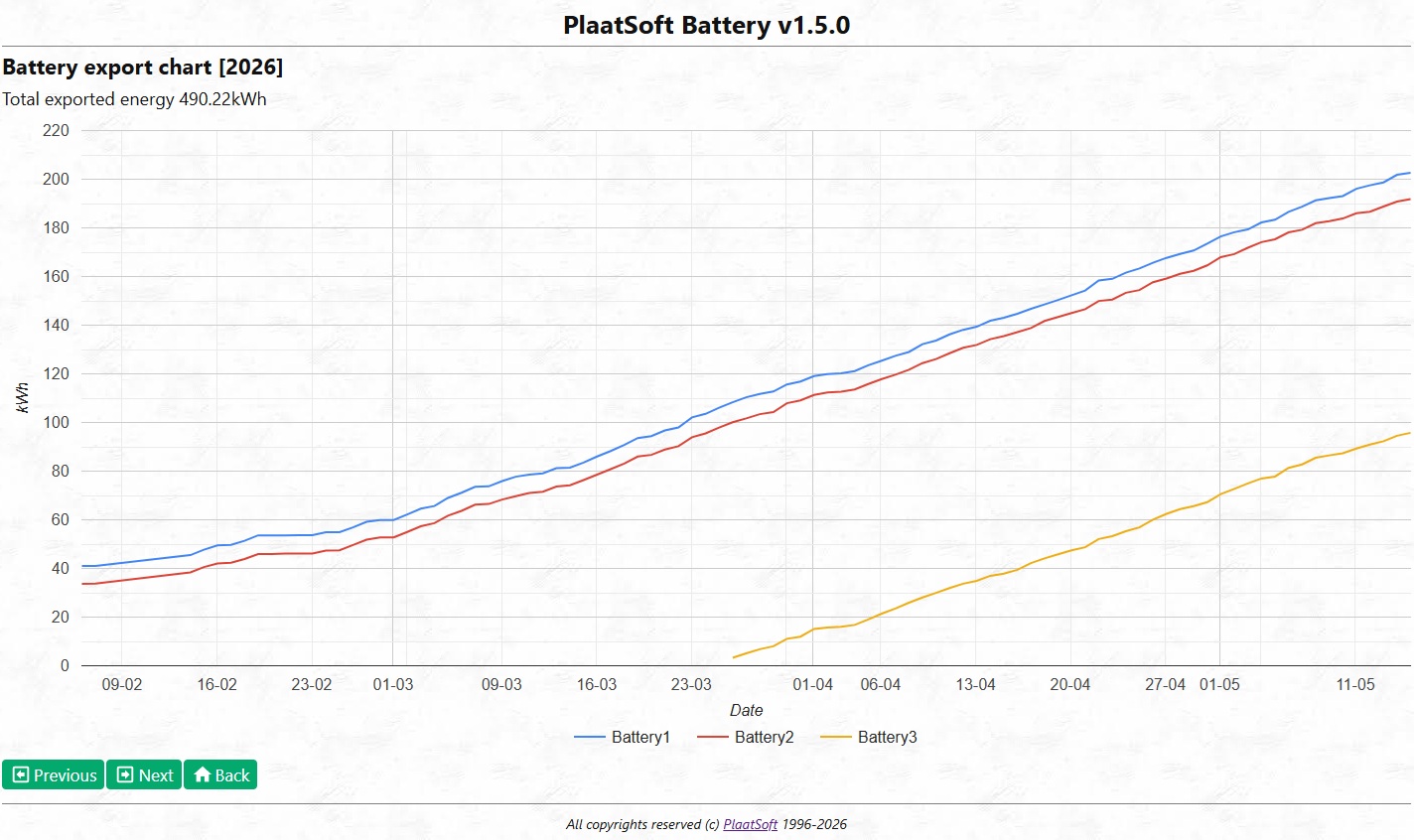
Support
Please contact me, if you want to run this software. I will than create a more user friendly setup version!
Open Source
See https://github.com/plaatsoft/plaatbattery
Installation Instruction
## Step 1a - Install latest Java (Java 25 or higher is needed)
sudo apt update
sudo apt install openjdk-25-jdk

## Step 2a - Install Apache Fuseki
sudo mkdir /opt/fuseki
sudo chown pi:pi /opt/fuseki
cp apache-jena-fuseki-6.1.0.zip /opt/fuseki
cd /opt/fuseki
unzip *.zip
cd /opt/fuseki/apache-jena-fuseki-6.1.0
mv * ../.
cd /opt/fuseki
rm *.zip
rm -rf apache-jena-fuseki-6.1.0

## Step 2b - Create database
curl -u admin:admin -X POST http://localhost:3030/$/datasets -d "dbName=battery&dbType=tdb2"

## Step 3 - Install PlaatBattery
sudo mkdir /opt/plaatbattery
sudo chown pi:pi /opt/plaatbattery
cp plaatbattery.jar /opt/plaatbattery

## Step 4 - Enable apps as unix systemd services (*.service files located in GIT repo)
cp ../deploy/plaatbattery.service /etc/systemd/system
cp ../deploy/fuseki.service /etc/systemd/system
sudo systemctl enable plaatbattery.service
sudo systemctl start plaatbattery.service
sudo systemctl enable fuseki.service
sudo systemctl start fuseki.service

## Step 5a - Start browser and enter http://<ip>:9999/swagger to configure PlaatBattery
Add/Update HomeWizard device config with the /configuration swagger API's
IMPORTANT: You have to create a ApiKey for each HomeWizard Battery and P1 dongle.
See HomeWizard website how to do this.

## Step 5b - Start browser and enter http://<ip>:9999 to access PlaatBattery
Enjoy the charts

## Step 5c - Optional: Start browser and enter http://<ip>:3030 to access Fuseki
Here you can execute graph database sparql queries, if needed

## Step 6 - Done
Installation is done. Good Job!
Disclaimer
This program is free software: you can redistribute it and/or modify it under the terms of the GNU General Public License as published by the Free Software Foundation, either version 3 of the License, or (at your option) any later version.
This program is distributed in the hope that it will be useful, but WITHOUT ANY WARRANTY; without even the implied warranty of MERCHANTABILITY or FITNESS FOR A PARTICULAR PURPOSE. See the GNU General Public License for more details.
You should have received a copy of the GNU General Public License along with this program. If not, see http://www.gnu.org/licenses/.